








Receipts & money briefs
Refunds detected, double scans deduplicated, charges split into 25 subcategories — summed into a Money Brief with a category donut, daily spend bars, and top vendors.
Receipts, IDs, prescriptions, boarding passes — read, classified, and filed into Spaces by AI. Finder writes the brief — Money, Health, Trip — and remembers where everything you own lives.
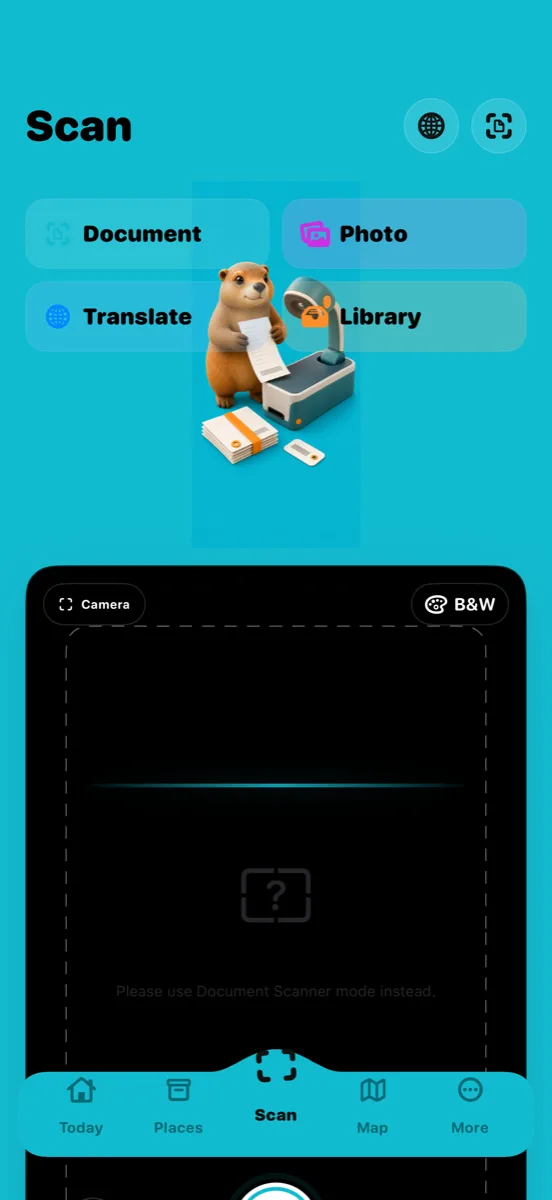

The AI scanner that files itself — receipts, IDs, and prescriptions classified into Spaces with category-aware briefs, plus a home inventory with places, QR labels, and a map.
Nine scenes from the shipped iPhone build. Receipts, IDs, prescriptions, places, and QR labels — read, classified, and filed by AI so you can find anything you own.
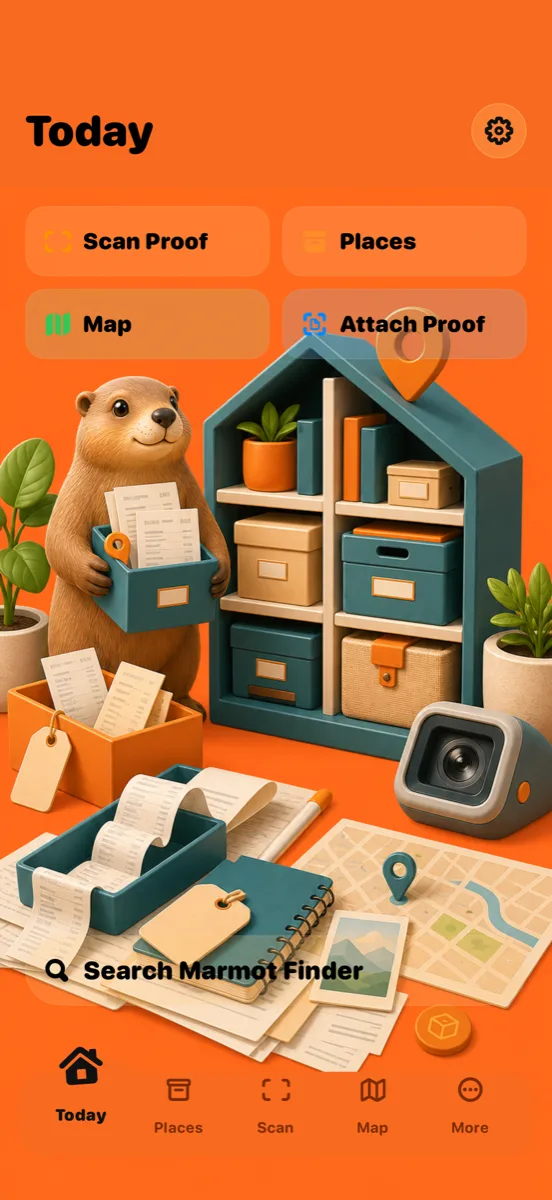
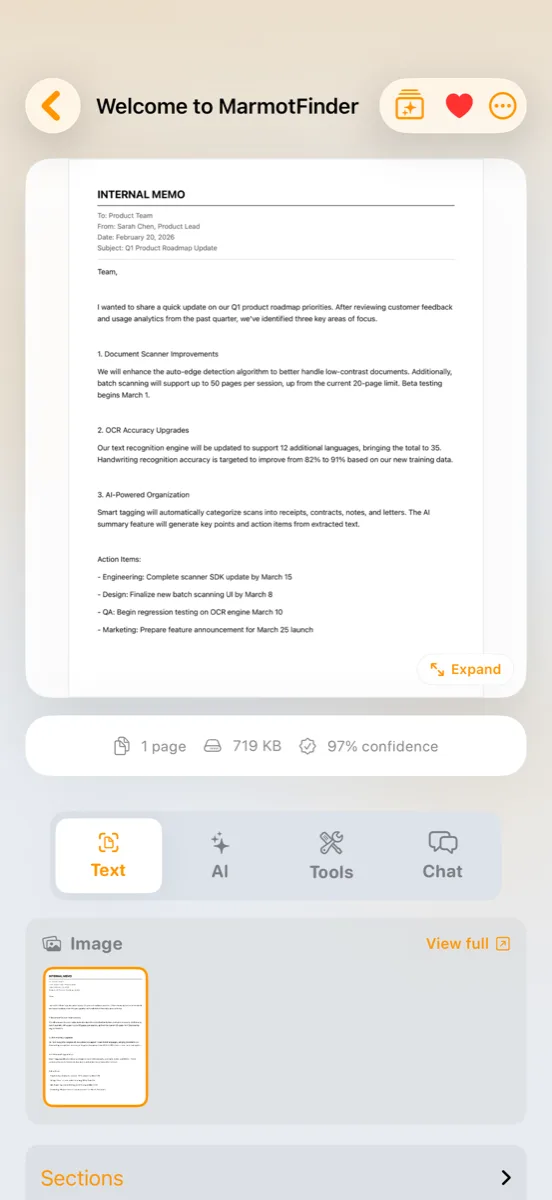
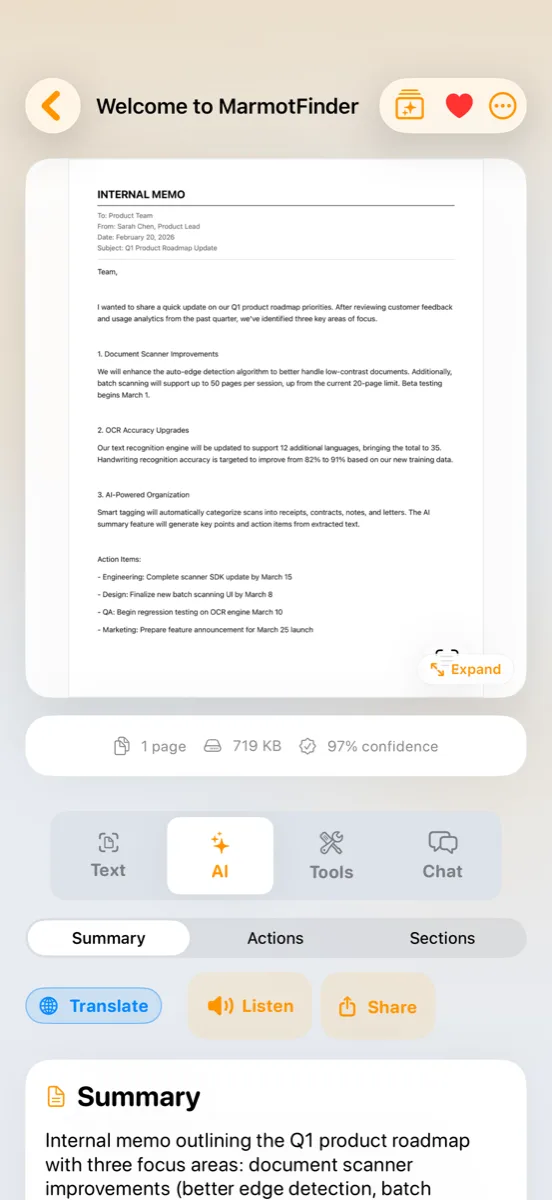
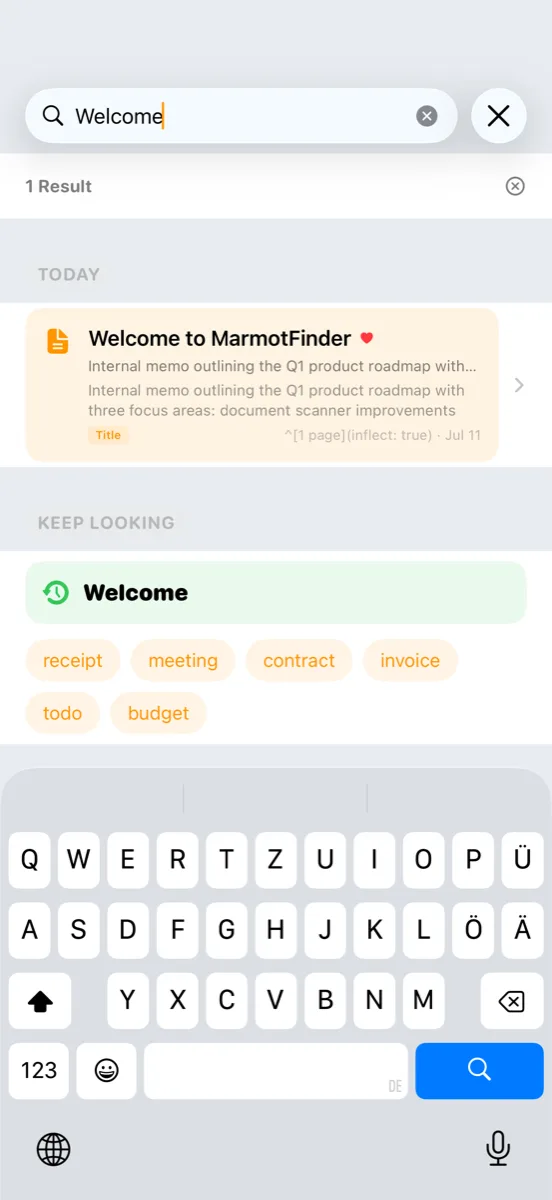
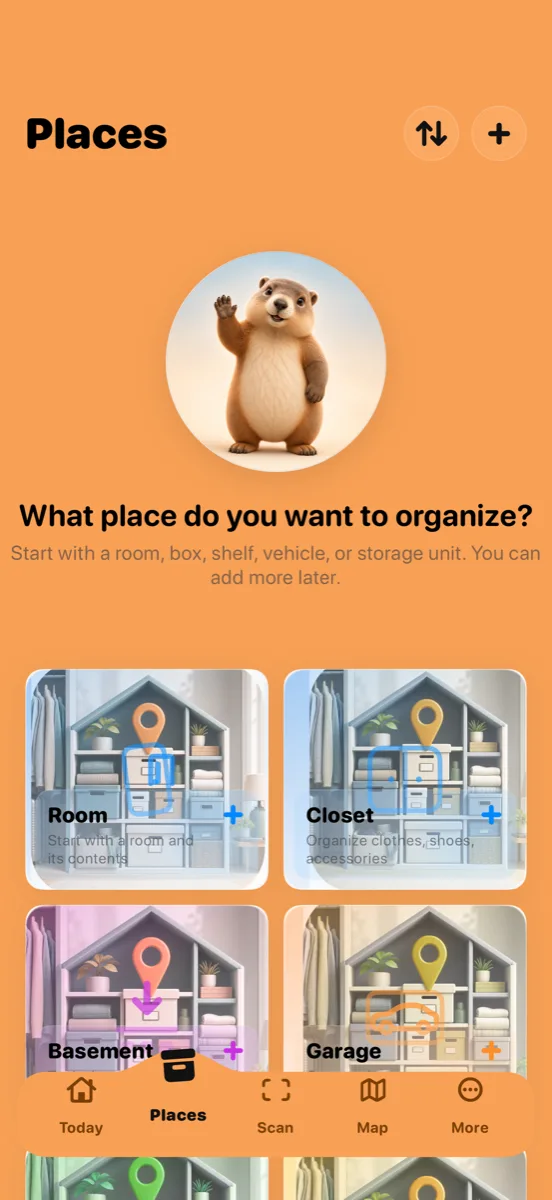
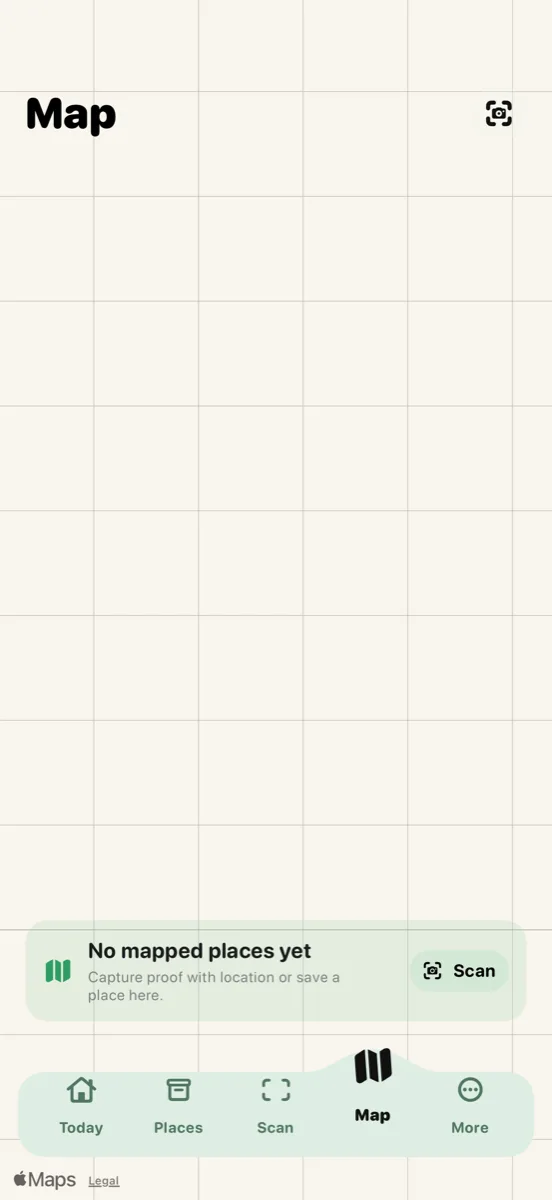
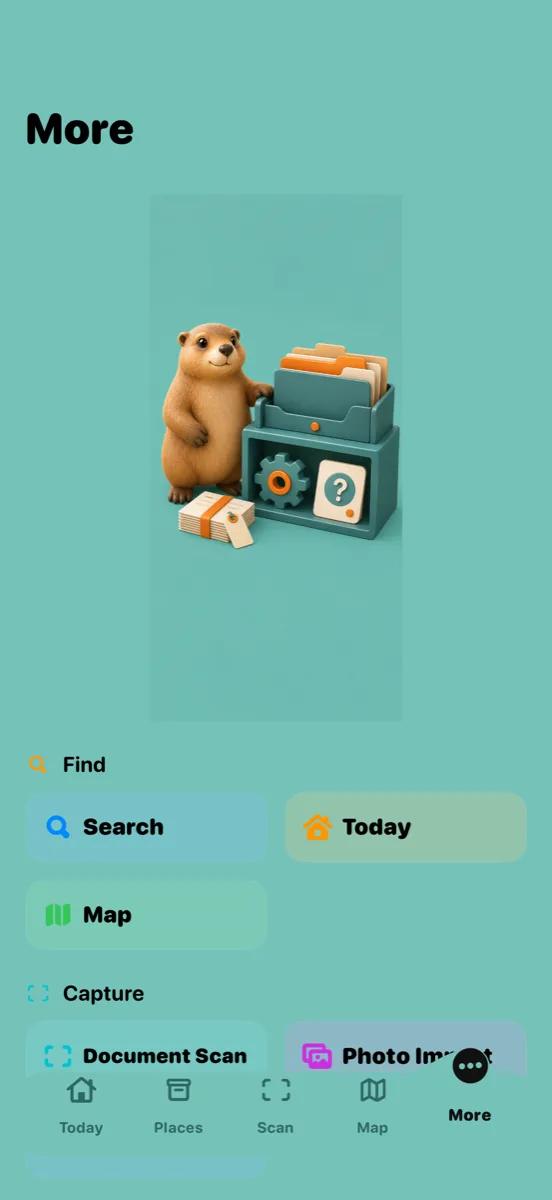
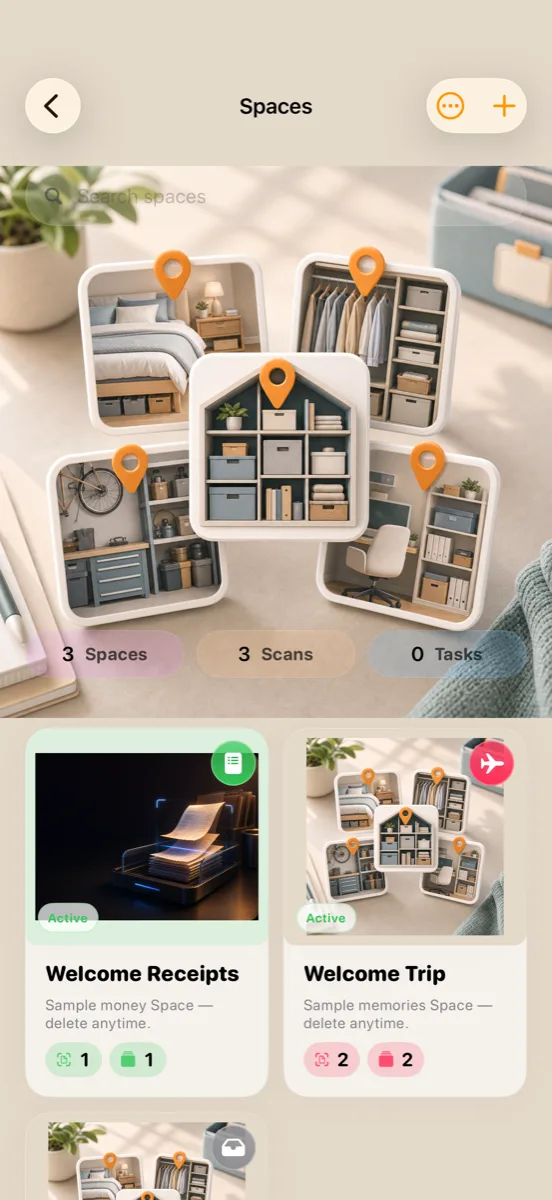
Marmot Finder is the "find what you own" evolution of Marmot Vault — inventory, places, QR labels, and a map, first-class. Part of a small independent iOS studio building AI-powered apps for everyday life. Privacy by default, on-device when possible.
Refunds detected, double scans deduplicated, charges split into 25 subcategories — summed into a Money Brief with a category donut, daily spend bars, and top vendors.
Track what you own by place — house, room, shelf, box. Print QR labels, stick them on, and see where everything lives on a map.
Point the camera at foreign text and read it live on screen. Display Mode flips the translation toward the other person — menus, signs, conversations.
Meds, dosages, and refills due from prescriptions. Expirations and renewals across IDs and policies. Check-in windows for the trip.
Quick answers people search for before deciding to install.
Finder is the "find what you own" evolution. Home inventory is first-class: places, printable QR labels, and a map of where your things live — on top of Spaces with category-aware AI briefs (Money, Health, Trip) and live camera translation.
On your iPhone and in your private iCloud account. On-device AI is used where possible; cloud AI runs only with your consent, and sensitive documents (ID, medical, financial) always ask first.
Scanning, OCR, and search work offline, and Quick Reference Cards keep key snippets available anywhere. AI briefs, chat, and translation need a network connection.
Yes — point the camera at foreign text and translations appear live on screen, in dozens of languages. Display Mode flips the translation toward the person you're talking to.
Unlimited scans, advanced AI features, and priority support — $3.99 monthly or $39.99 yearly. The free tier has generous scan limits, and a $0.99 AI-actions pack lets you top up without subscribing.