







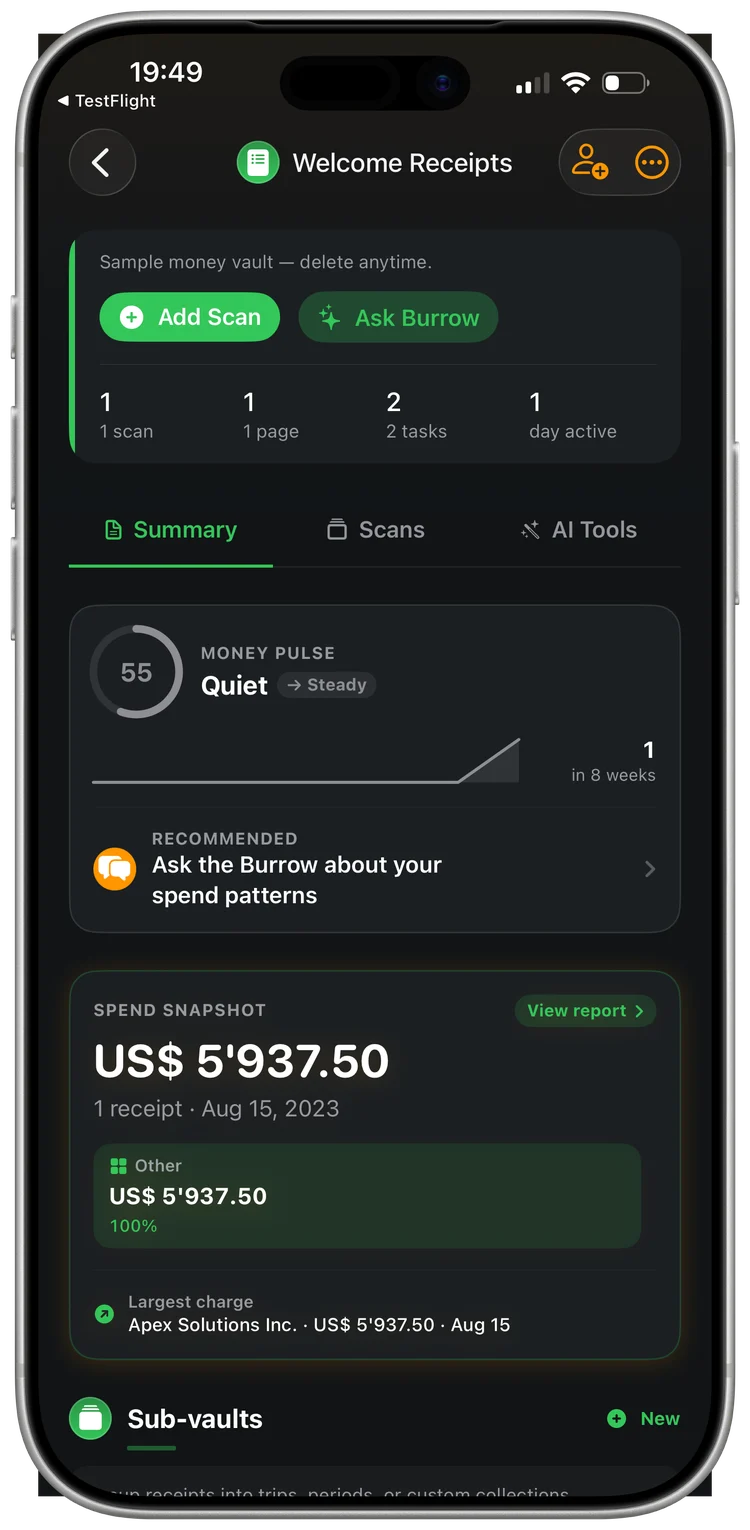
Receipt scanning & expense tracking
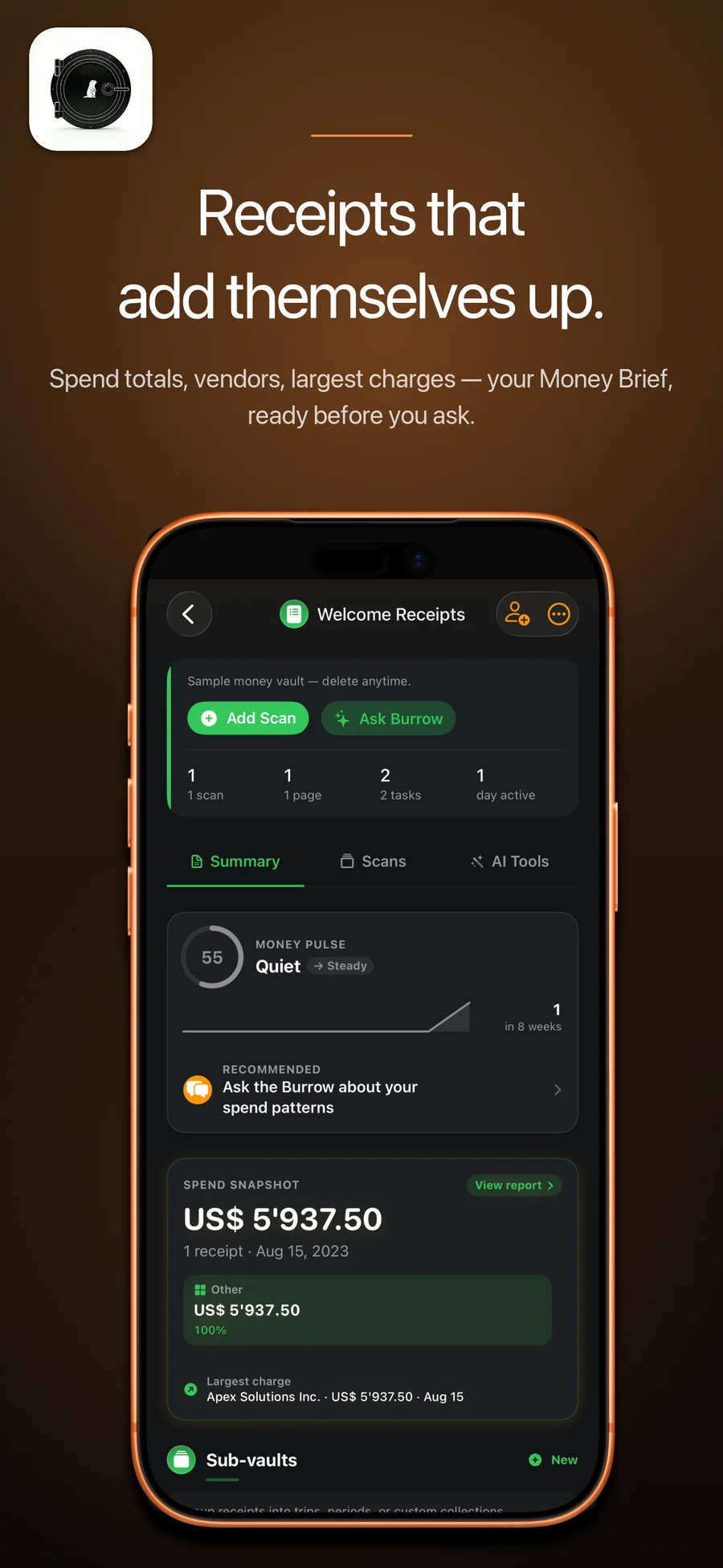
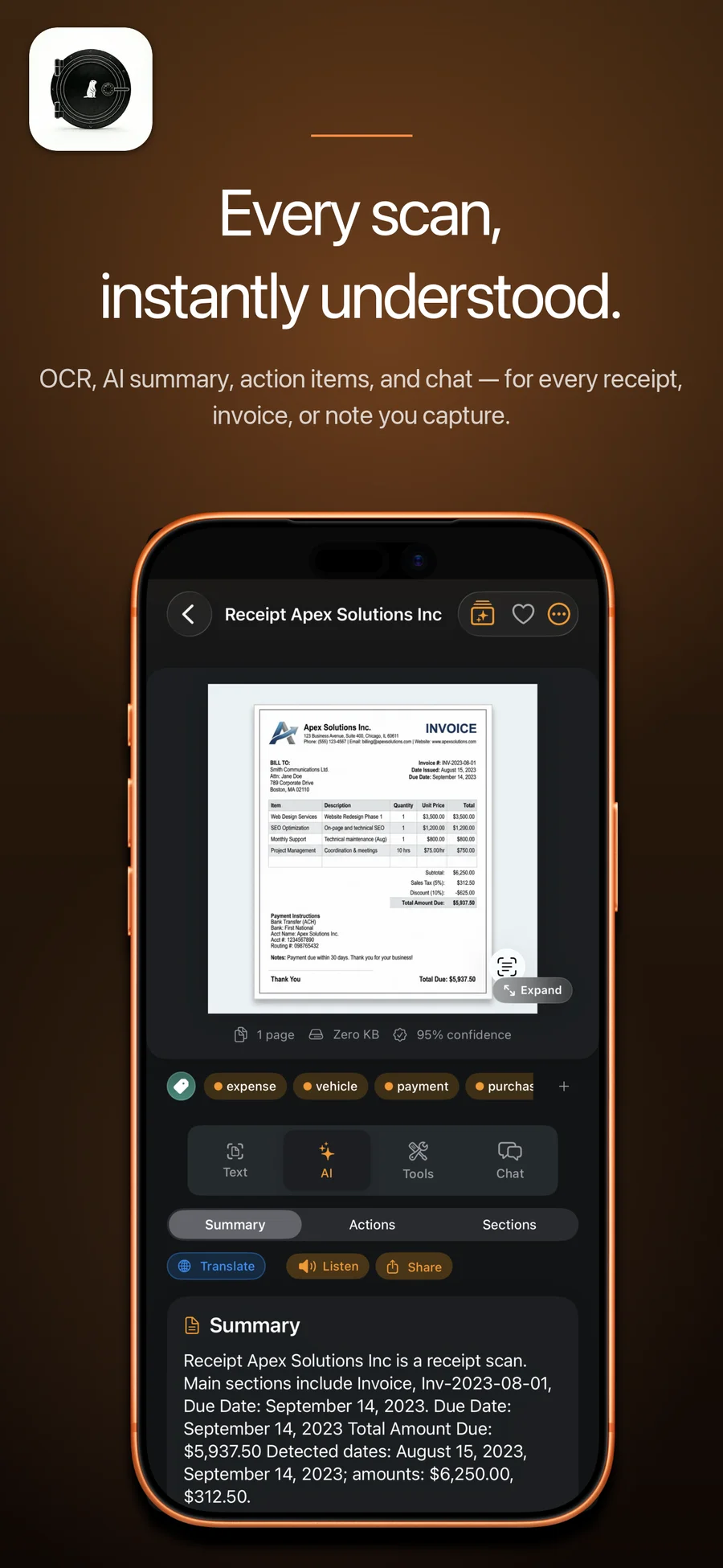
AI receipt OCR with line-item extraction, vendor recognition, and auto-categorization. Goodbye spreadsheet.
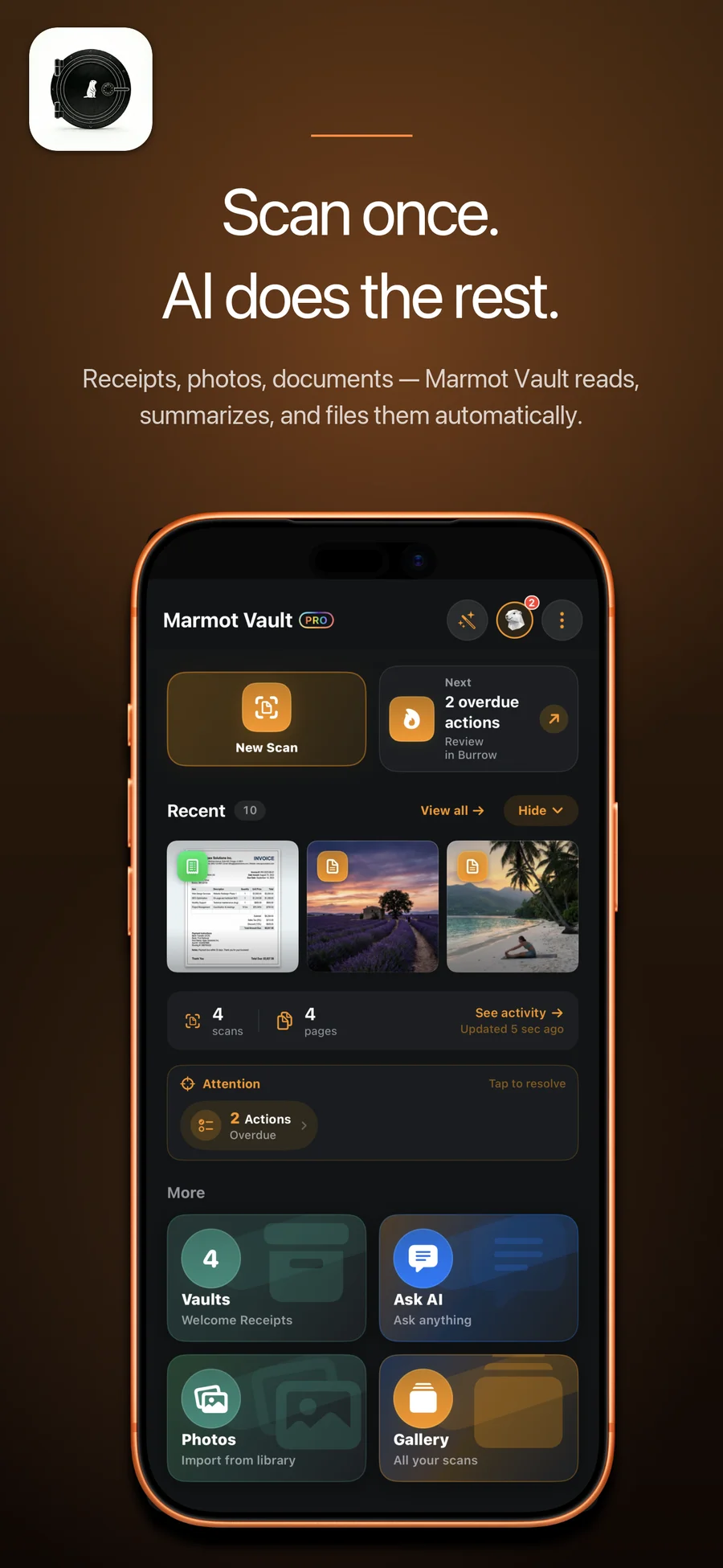
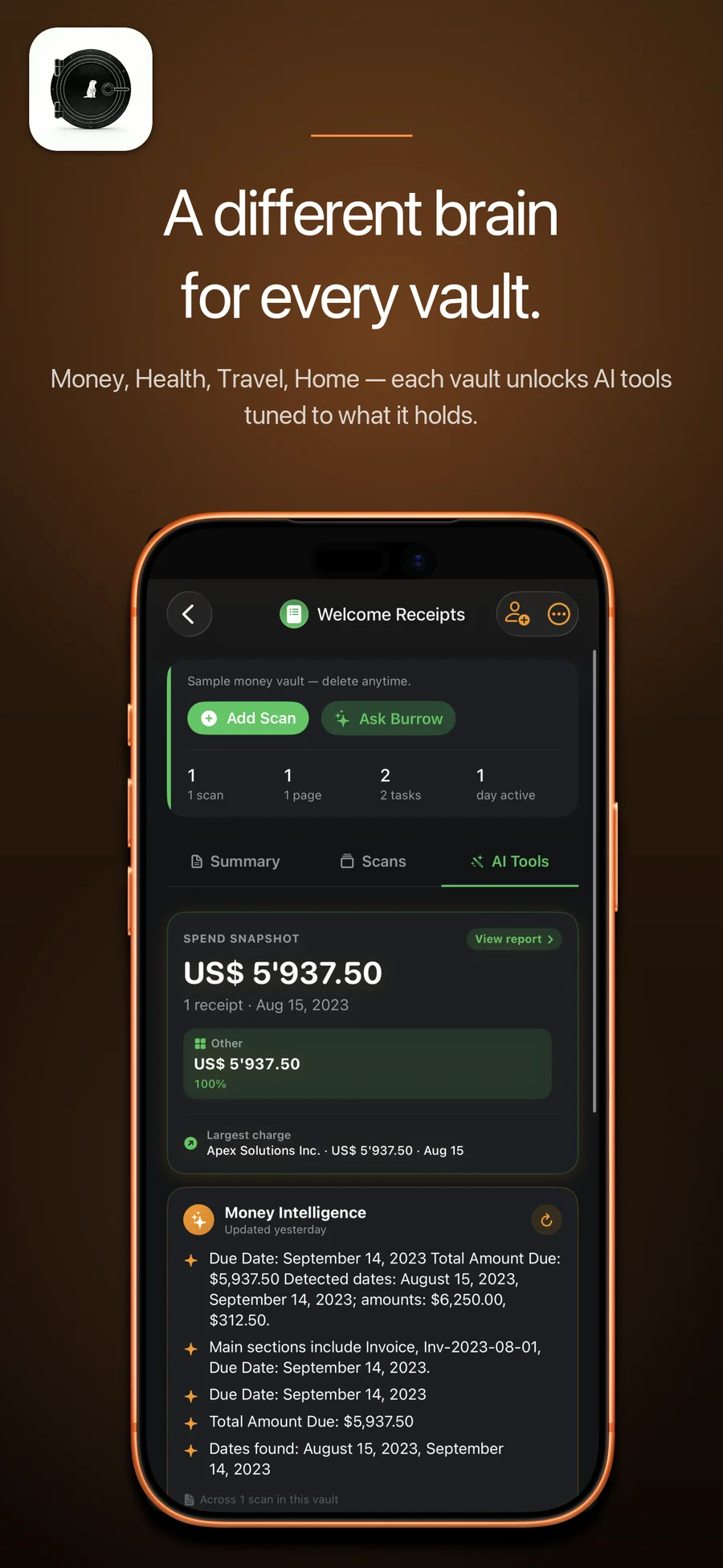
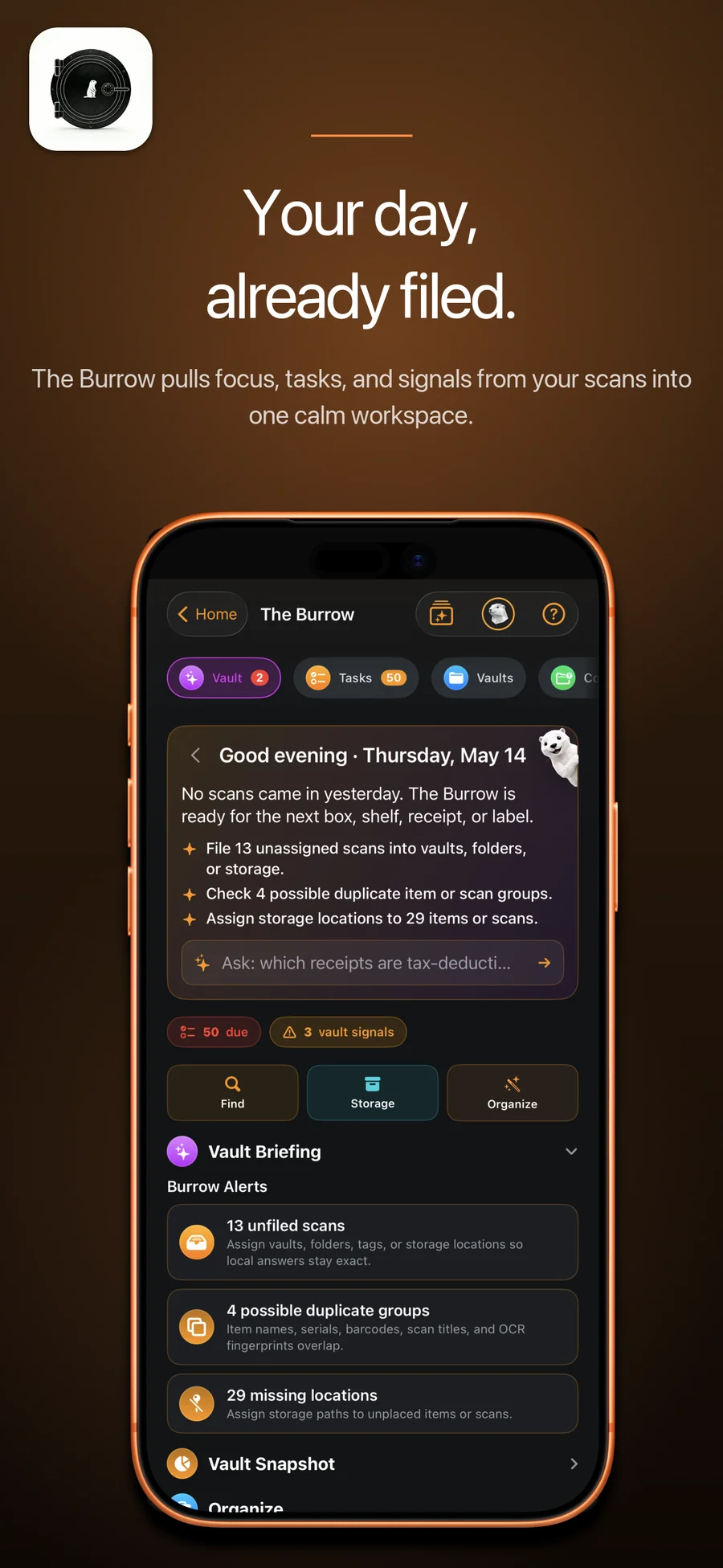
Receipts, contracts, business cards, whiteboards — read, parsed, and archived by AI-powered vision. One tap captures it; Vault distills it into structured, searchable data inside The Burrow.
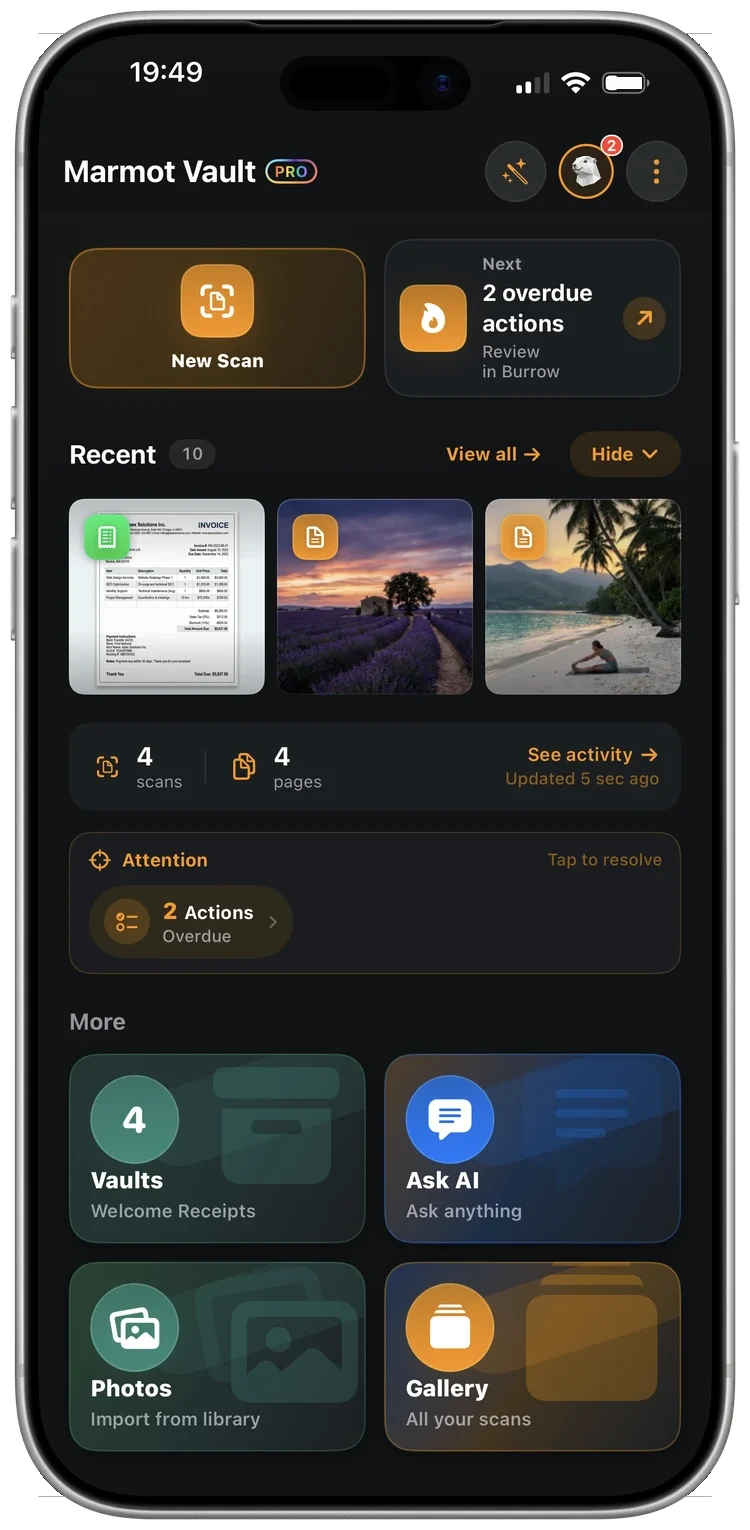

Receipts, contracts, business cards, whiteboards — read, parsed, and archived by AI-powered vision.
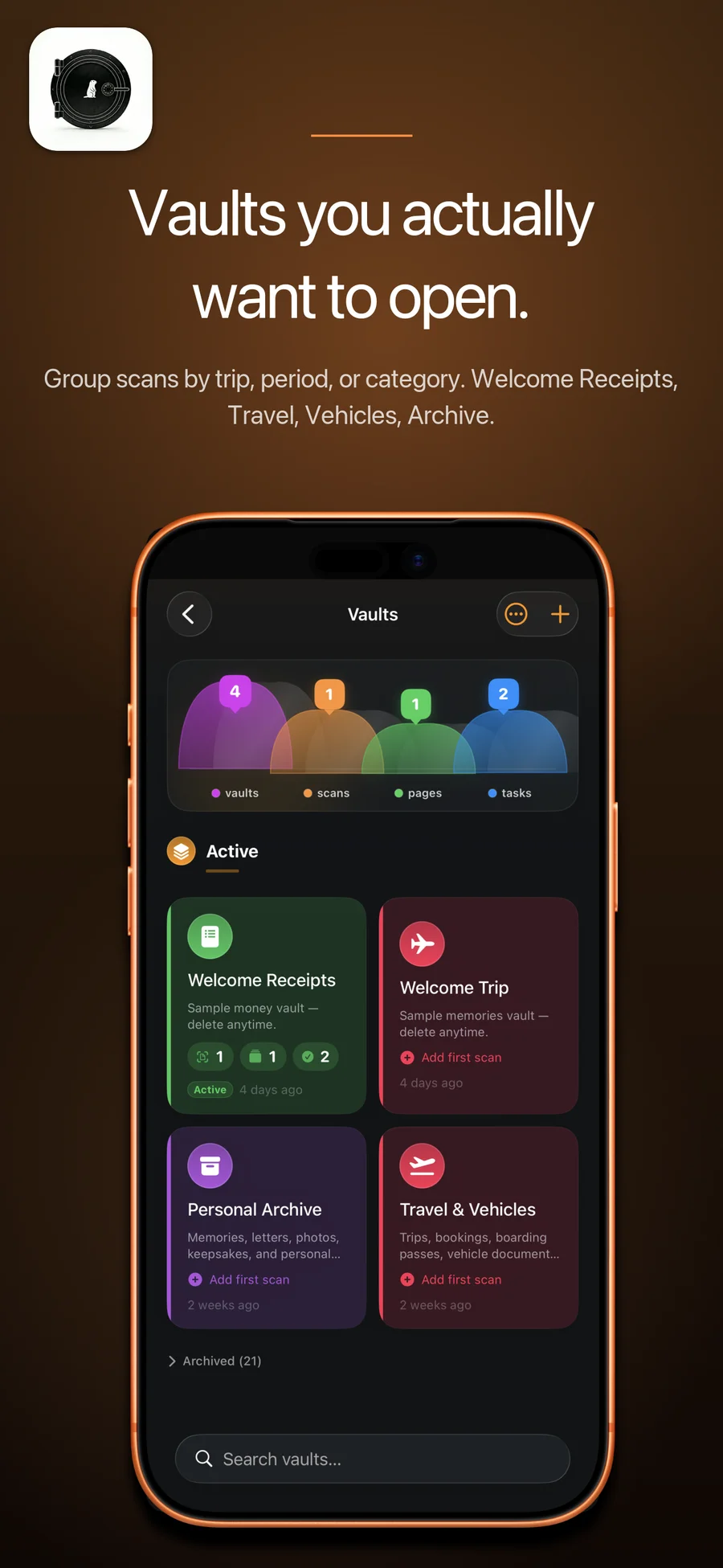
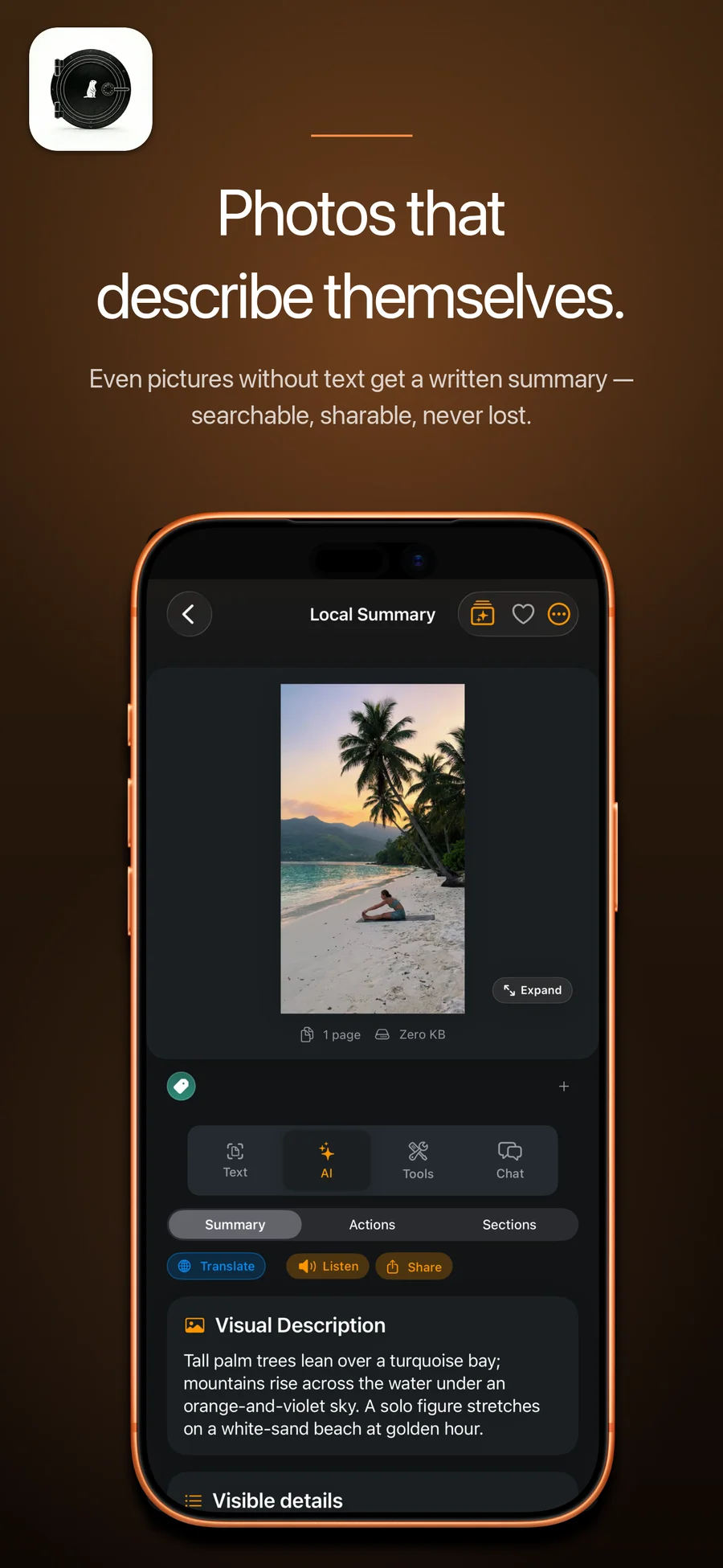
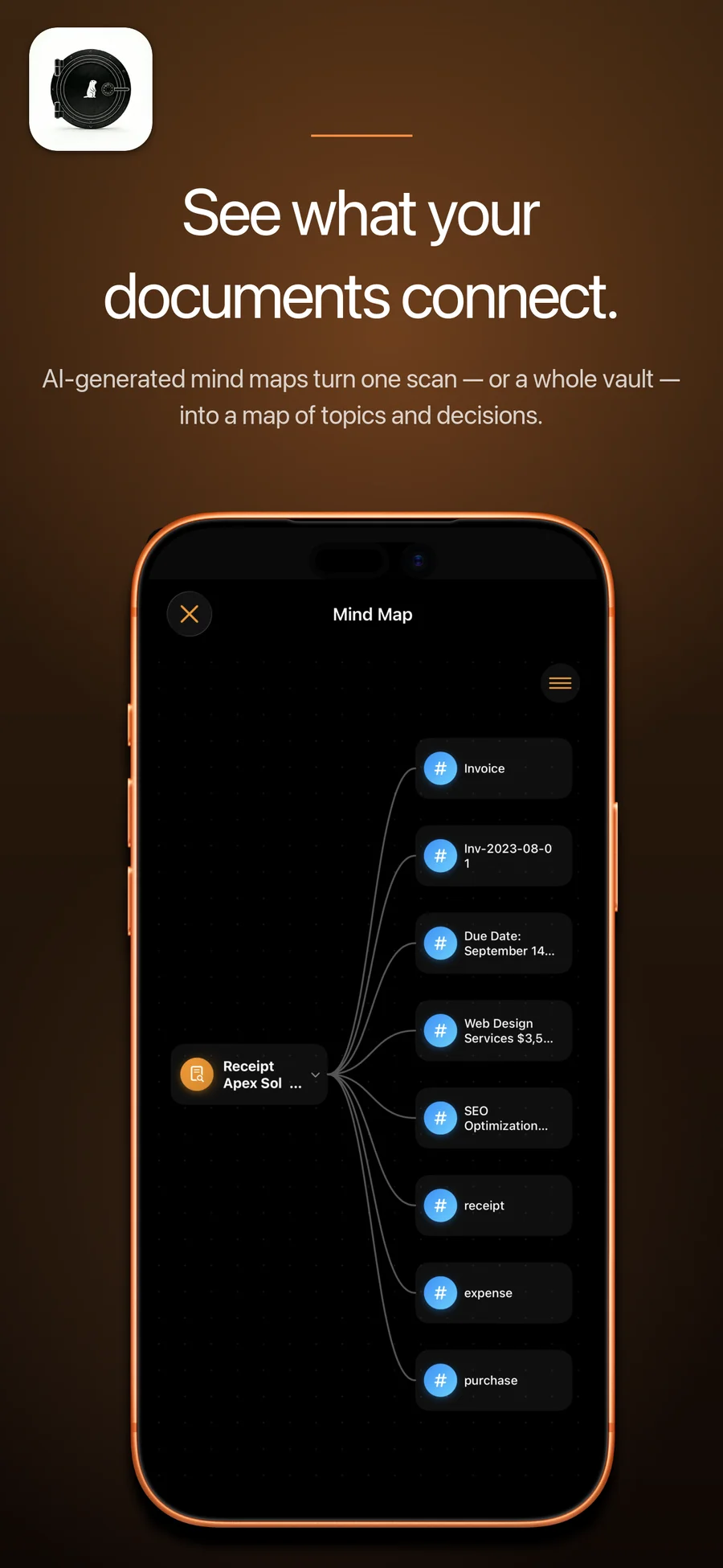
Eight scenes from the shipped iPhone build. Receipts, contracts, photos, business cards, mind maps — read, parsed, and archived by AI-powered vision.
Marmot Vault is part of a small independent iOS studio building AI-powered apps for everyday life. Privacy by default, on-device when possible.
AI receipt OCR with line-item extraction, vendor recognition, and auto-categorization. Goodbye spreadsheet.
Parses parties, dates, obligations, and renewal terms into structured fields. Annotate inline, search across files.
Whiteboard OCR for sketches, action items, and decisions. Pull a meeting's takeaways from a single photo.
Reads cursive, prints, and mixed-script handwriting. Index your handwritten notes back into searchable text.
Quick answers people search for before deciding to install.
Yes — context-aware OCR understands handwritten notes, receipts, contracts, whiteboards, and printed documents. Each scan is parsed into structured fields, not just glyphs.
Scanning and OCR work offline. AI document understanding (auto-generated to-do lists, contextual indexing) needs a network connection.
Locally on your iPhone, synced through your own private iCloud (CloudKit) database — we keep no copy. Text-based AI runs on-device first via Apple Intelligence where your device supports it. When a cloud AI feature does run — including describing a scan that has little readable text, which sends the page image — the content passes through our proxy to the AI provider for processing and is not retained on our servers. Private Mode switches cloud AI off entirely and leaves the on-device features working.
Apple Notes has basic OCR but no AI structuring. Adobe Scan is OCR + PDF, nothing more. Marmot Vault reads documents, understands them, and turns them into searchable structured data with auto-generated to-do lists.
Scanning and OCR are unlimited on the free tier — that is not what Pro is for. Free includes 30 AI actions a month; Pro raises that to 500 and adds priority processing and early access to new features. $3.99 monthly or $39.99 yearly (USD; your storefront price may differ).